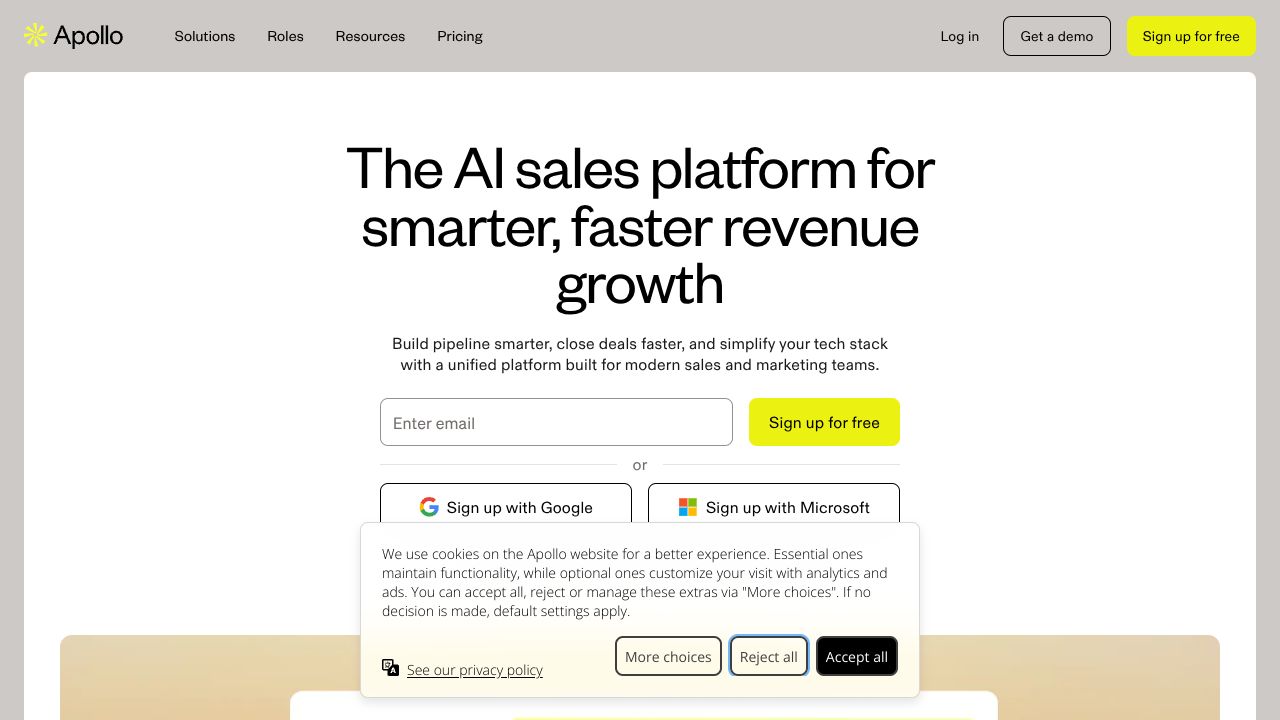
APOLLO.IO: A COMPLETE GUIDE FOR STARTUPS PROFESSIONALS
Step 1: Setting Up Your Account 1. Sign up for the free tier at apollo.io and confirm your email. 2. Complete your profile: company, role, timezone — thes...
Capture Outbound Efficiency: Turn hours of manual prospecting into minutes
Teams waste an average of 5 hours per week on manual list building and outreach prep — time that starving early-stage startups can’t afford. Apollo.io combines a massive lead database with AI-driven outreach automation to enrich contacts, run email sequences, and sync engagement back to your CRM in real time. This tutorial walks through a practical, metrics-driven workflow startups can deploy in their first week. The data shows that pairing targeted enrichment with automated sequences increases reply rates and reduces time-to-meeting; while specialist tools like ZoomInfo excel at buyer signals, Apollo.io is better suited for startups that need an all-in-one data + execution stack at a lower entry cost.
Step 1: Setting Up Your Account
- Sign up for the free tier at apollo.io and confirm your email.
- Complete your profile: company, role, timezone — these improve outreach personalization defaults.
- Connect your CRM (HubSpot/Salesforce) via the Integrations panel.
- Why: CRM sync ensures all sequence replies and engagement events are recorded automatically, reducing duplicate work.
- Import or create an initial list:
- Upload a CSV of existing leads OR start with a search in Apollo’s buying intent filters.
- Enable email sending:
- Add your SMTP or connect via Gmail/Outlook and verify SPF/DKIM to keep deliverability high.
- Baseline metrics to capture in week one:
- List enrichment accuracy (% of contacts with valid emails), open rate, reply rate, bounce rate, meetings booked.
Step 2: Core Features You Need to Know
- Lead Finding & Enrichment
- Use intent/company filters (industry, size, tech stack) to build segments. Click “Enrich” to fill firmographic and contact fields in bulk.
- Example: Filter SaaS companies 10–50 employees using Stripe, export enriched list with titles and emails.
- Automated Email Sequences (AI-assisted)
- Create a 5-step sequence with a cadence (Day 0, Day 3, Day 7, Day 14, Day 21).
- Use Apollo’s AI subject-line and template suggestions, then A/B test two subject lines to track lift.
- CRM Sync & Real-time Engagement Tracking
- Turn on real-time sync to push opens, clicks, replies, and bounces into your CRM. Use rules to auto-create tasks for reps when a lead replies.
- Outbound Targeting & Execution
- Save target lists as “Accounts” and apply sequences at scale. Set daily send limits to keep sending velocity natural and deliverability healthy.
- Reporting Dashboard
- Monitor reply-to-meeting conversion and bounce rate. The key KPI for startups: meetings per 1000 emails sent.
Step 3: Pro Tips for Startup Professionals
- Use progressive enrichment: start with firmographics, then enrich contact emails only for high-value accounts to save API credits and keep costs low.
- Treat subject-line A/B tests as experiments: run for n≥100 emails before picking a winner.
- Create dynamic snippets (company name, trigger event) to scale personalization without manual edits.
- Use engagement triggers to route hot leads immediately to founders or AE — set SLA targets in your CRM (e.g., contact within 1 hour of reply).
Common Mistakes to Avoid
- Over-contacting: sending >5 touches/week increases spam complaints. Prevent with sensible cadences and daily send caps.
- Skipping verification: high bounce rates damage sender reputation. Use verification (or pair with a verification tool) before bulk sends.
- Not syncing activity: failing to push events to CRM means lost context. Verify integration and run test replies to confirm sync.
How It Compares to Alternatives
- While ZoomInfo excels at verified buyer signals and deep enterprise contact coverage, Apollo.io is better suited for early-stage sales teams that need integrated outreach automation at a lower starting price and simpler UI.
- While Persana.ai automates lead discovery across 75+ sources via AI agents, Apollo.io offers a tighter execution loop — search, enrich, and send from one console — which reduces handoffs for small teams.
- While Clearout specializes in email verification (excellent for maximizing deliverability), Apollo’s built-in enrichment + suggested verifications make it a practical one-stop choice for constrained teams; pairing Apollo with Clearout can be ideal when scaling send volume.
Conclusion: Is Apollo.io Right for You?
Apollo.io is a pragmatic choice for startups that need “every angle” covered: lead data, enrichment, automation, and CRM sync in one platform. For teams prioritizing integrated execution, quick setup, and cost predictability, Apollo.io delivers measurable time savings and scalable KPIs. If your priority is enterprise-grade buyer signals or pure-play verification at scale, consider complementing Apollo with specialists like ZoomInfo or Clearout. Our analysis recommends starting on the free tier, instrumenting the metrics above, and iterating sequences over four weeks to validate fit.
INTERESTED IN
APOLLO.IO?